
LG Dishwasher Error Code OE – Drain Error Causes & Easy Fixes
LG dishwasher error code OE means a drainage problem. Learn what causes the OE error and follow step-by-step solutions to fix it at home.
DISHWASHER ERROR
1/25/20262 min read
What Does LG Dishwasher Error Code OE Mean?
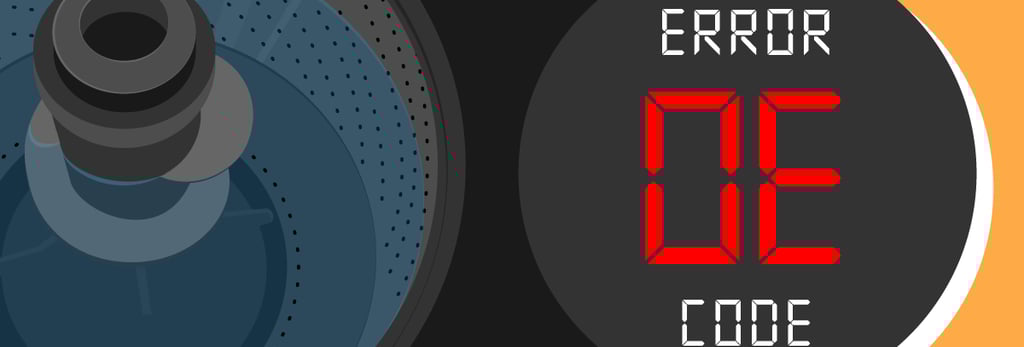
The OE error code on an LG dishwasher indicates a drain error. It means the dishwasher is not draining water properly within the expected time. To prevent flooding or motor damage, the dishwasher stops the cycle and displays the OE code.
This error is common across many models from LG Electronics and is usually related to blockages or installation issues rather than electronic failure.
Common Causes of LG Dishwasher OE Error
The OE error code typically appears due to one or more of the following issues:
Clogged dishwasher filter
Blocked or kinked drain hose
Garbage disposal plug not removed (new installation)
Sink or household drain clog
Faulty drain pump
Improper drain hose height or routing
How to Fix LG Dishwasher Error Code OE
Follow these troubleshooting steps in order. Most OE errors can be fixed without a service call.
1. Power Reset the Dishwasher
Turn off the dishwasher.
Unplug it or turn off the circuit breaker.
Wait 10 minutes, then restore power.
Start a short cycle and check if it drains.
2. Clean the Dishwasher Filter
Remove the bottom rack.
Take out the cylindrical filter at the base.
Rinse thoroughly under warm water.
Remove grease, food debris, and residue.
A dirty filter is the most common cause of the OE error.
3. Check the Drain Hose
Pull the dishwasher slightly forward.
Inspect the drain hose for kinks, bends, or clogs.
Straighten the hose and clear any blockage.
Ensure the hose is not crushed behind the dishwasher.
4. Inspect the Sink and Garbage Disposal
Run water in the sink to ensure it drains freely.
If connected to a garbage disposal, make sure the knockout plug has been removed.
Clear any blockage in the sink drain.
A blocked sink drain will prevent the dishwasher from draining.
5. Verify Proper Drain Hose Height
The drain hose should loop upward before connecting to the sink or disposal.
This prevents backflow of water into the dishwasher.
Improper hose routing can trigger the OE code even if there is no clog.
6. Check the Drain Pump
If water remains in the tub after all checks, the drain pump may be faulty.
You may hear a humming sound without water draining.
A defective pump usually requires professional replacement.
When to Call for Service
Call a technician if:
The OE error returns repeatedly
The dishwasher does not drain at all
You hear grinding or loud humming noises
The drain pump is confirmed faulty
Can You Use the Dishwasher with OE Error?
No. Running the dishwasher with an OE error can lead to water leaks or internal damage. Always resolve the drainage issue before resuming normal use.
How to Prevent LG Dishwasher OE Error
Clean the filter once a week
Scrape food off dishes before loading
Use the correct detergent amount
Periodically inspect the drain hose
Keep the sink drain clear
The LG dishwasher error code OE is a clear warning that water is not draining correctly. In most cases, the fix is simple—clean the filter, check the drain hose, and inspect the sink connection. Regular maintenance will help prevent this error from happening again.
Read More: