
LG Dryer Error Code d90: Meaning, Causes, and How to Fix It Fast
LG dryer error code d90 means restricted airflow in the exhaust system. Learn what causes d90, how to fix it step by step, and how to prevent it from coming back.
DRYER ERROR
1/24/20262 min read
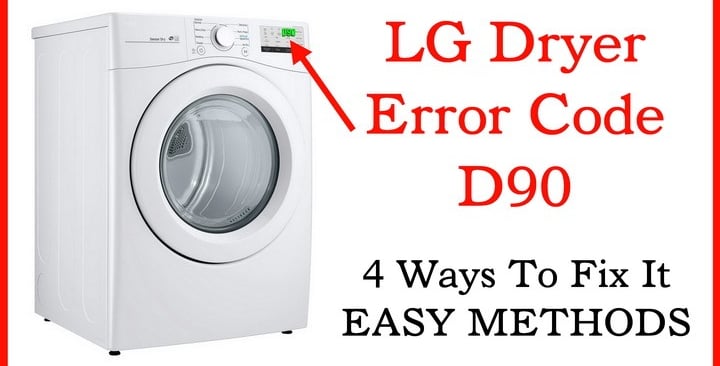
What Is LG Dryer Error Code d90?
LG dryer error code d90 indicates a severe airflow restriction in your dryer’s exhaust system. The dryer’s sensors detect that hot air is not exiting properly, which can lead to overheating, poor drying performance, and potential safety risks.
This error is common in dryers from LG Electronics and is designed as a safety warning to prevent damage or fire hazards.
Common Causes of LG Dryer d90 Error
The d90 error almost always points to an external venting problem, not a fault in the dryer itself.
Most common causes include:
Lint buildup in the exhaust vent
Blocked or crushed vent hose behind the dryer
Long or improperly installed vent duct
Vent flap stuck closed outside the house
Bird nest or debris in the exterior vent
Excessive bends or turns in the vent line
How to Fix LG Dryer Error Code d90 (Step-by-Step)
1. Turn Off and Unplug the Dryer
Always disconnect power before inspecting the dryer.
2. Check the Vent Hose Behind the Dryer
Pull the dryer away from the wall
Ensure the vent hose is not kinked, crushed, or bent sharply
Replace foil or plastic hoses with rigid or semi-rigid metal ducts
3. Clean the Exhaust Vent Completely
Disconnect the vent from the dryer
Use a vent cleaning brush or vacuum to remove lint
Clean all the way to the outside vent opening
4. Inspect the Outside Vent
Make sure the flap opens freely when the dryer runs
Remove lint, dust, leaves, or bird nests
Ensure no screen is blocking airflow (screens trap lint)
5. Reduce Vent Length if Needed
LG recommends:
Maximum vent length around 25 feet
Subtract length for every elbow or bend in the duct
Shorter and straighter vents improve airflow significantly.
6. Run the Dryer in Test Mode
After cleaning:
Plug the dryer back in
Run a normal drying cycle
The d90 error should clear if airflow is restored
Can You Still Use the Dryer With a d90 Error?
No. Continuing to run the dryer with a d90 error is not recommended. Poor airflow can:
Overheat internal components
Increase drying time and energy use
Create a serious fire hazard
The dryer may shut itself off repeatedly until the issue is fixed.
How to Prevent LG Dryer d90 Error in the Future
Clean the lint filter after every load
Inspect the vent system every 3–6 months
Perform a deep vent cleaning at least once a year
Avoid long, flexible, or plastic vent hoses
Keep the outside vent clear at all times
When to Call a Professional
If:
The vent runs through walls or ceilings
You cannot access the full duct length
The error persists after thorough cleaning
A professional vent cleaning service can resolve hidden blockages safely.
LG dryer error code d90 is a clear warning sign of restricted airflow, not a dryer failure. In most cases, a complete vent cleaning and proper duct setup will fix the issue and restore normal drying performance.
Read More: