
Samsung Oven Error Code E08: Causes, Fixes, and Troubleshooting Guide
Seeing the Samsung oven E08 error code? Learn what it means, why it happens, and the simple steps you can take to fix it.
ERROR CODES
3/16/20262 min read
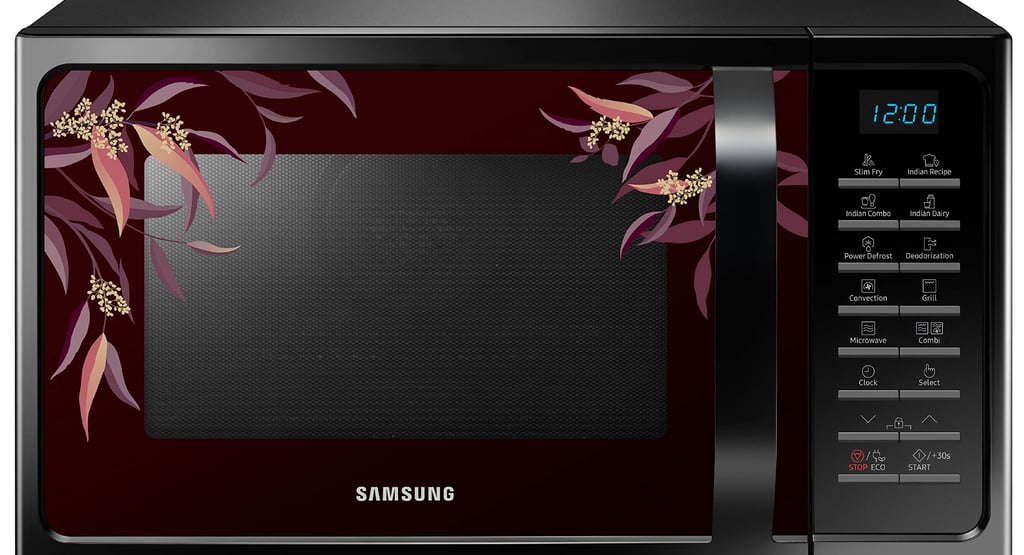
The E08 error code on a Samsung oven usually indicates a communication problem between the oven’s control board and internal components. This may happen due to a temporary system glitch, wiring issue, or a faulty electronic control board.
The oven shows this error to prevent the appliance from operating incorrectly.
What Is the E08 Error Code?
Modern Samsung ovens rely on multiple electronic components working together. The main control board communicates with sensors, heating elements, and other internal circuits.
When the system detects:
A communication interruption
A control board malfunction
Faulty internal wiring
the oven displays the E08 error code.
This safety mechanism prevents the oven from running when the system cannot properly monitor its functions.
Signs You Might Notice
When the E08 error appears, you may notice:
The oven not starting
The oven stopping during cooking
Error code appearing immediately after powering on
Continuous beeping from the oven display
Most Common Causes
1. Temporary System Glitch
Electronic appliances can occasionally experience small software or power glitches that trigger error codes.
2. Loose Internal Wiring
Loose or damaged wires inside the oven may interrupt communication between components.
3. Faulty Control Board
If the electronic control board becomes damaged or worn out, it may fail to communicate with the oven’s sensors.
4. Power Supply Problems
Voltage fluctuations or sudden power outages can sometimes cause the oven to display the E08 error.
Step-by-Step Troubleshooting
Step 1: Reset the Oven
A simple reset often clears temporary electronic errors.
Turn the oven off.
Unplug it from the power outlet or switch off the circuit breaker.
Wait 5–10 minutes.
Restore power and restart the oven.
If the error disappears, it was likely a temporary glitch.
Step 2: Check the Power Supply
Ensure the oven is receiving stable power.
Check the outlet
Inspect the power cord
Confirm the circuit breaker has not tripped
Power interruptions can trigger error codes.
Step 3: Inspect Internal Connections
If you are comfortable inspecting appliances:
Turn off power to the oven
Remove the back panel
Check wiring connections between the control board and other components
Loose connections may cause the communication error.
Step 4: Replace the Control Board
If the error continues even after resetting and checking wiring, the electronic control board may need replacement.
This repair usually requires a professional technician.
When to Call a Professional
You should consider professional repair if:
The E08 error appears repeatedly
The oven will not turn on at all
Resetting the appliance does not clear the error
You suspect internal electrical issues
A qualified technician can test the control board and internal circuits.
Prevention Tips
To reduce the chance of electronic errors:
Use a stable power supply or surge protector
Avoid frequent power interruptions
Keep the oven clean and dry
Schedule periodic appliance maintenance
These steps help protect the oven’s electronic components.
Final Thoughts
The Samsung oven E08 error code usually signals a communication problem within the oven’s electronic system. In many cases, resetting the oven resolves the issue.
However, if the error keeps returning, there may be a wiring issue or a faulty control board that requires professional repair.
Understanding error codes can help you quickly diagnose problems and keep your oven functioning properly.
Read More: