
Samsung Oven Error Code E27: Meaning, Causes, and How to Fix It
Samsung oven showing error code E27? Learn what this error means, the common causes behind it, and simple troubleshooting steps to fix the problem.
ERROR CODES
3/16/20262 min read
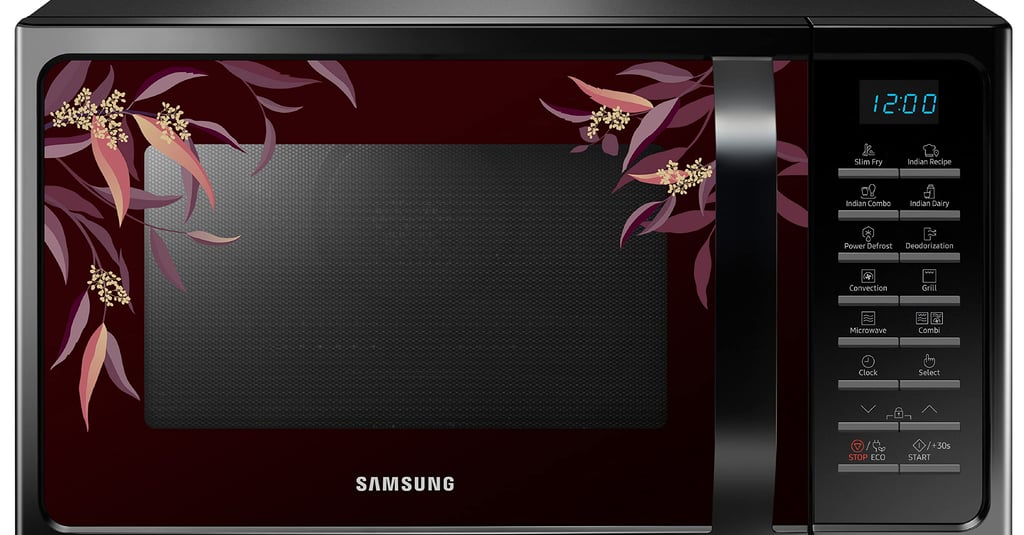
If your Samsung oven suddenly displays the E27 error code, it usually indicates a temperature sensor or cooling system issue. This error appears when the oven detects abnormal temperature readings or problems with heat regulation.
The oven automatically stops working to prevent overheating or internal damage.
What the E27 Error Code Means
The E27 error code typically relates to the oven temperature sensor or cooling fan system. These components help regulate and monitor the heat inside the oven.
When the system detects:
Abnormal temperature levels
A malfunctioning temperature sensor
A cooling fan problem
Communication issues with the control board
the oven displays E27 as a safety warning.
Symptoms of the E27 Error
When this error occurs, you may notice:
The oven stops heating suddenly
The oven will not start a cooking cycle
The display shows E27 with continuous beeping
The oven shuts down shortly after turning on
Main Reasons the E27 Error Appears
1. Faulty Temperature Sensor
The temperature sensor measures the heat inside the oven. If it becomes defective, the control board may receive incorrect readings.
2. Cooling Fan Failure
Samsung ovens use cooling fans to prevent internal components from overheating. If the fan stops working, the oven may trigger the E27 error.
3. Wiring or Connection Issues
Loose or damaged wiring between the sensor, fan, and control board can interrupt signals.
4. Control Board Malfunction
In rare situations, the electronic control board itself may fail to process temperature data correctly.
How to Fix Samsung Oven Error Code E27
1. Perform a Power Reset
Many electronic errors can be cleared with a simple reset.
Steps:
Turn off the oven.
Unplug it or switch off the circuit breaker.
Wait 10 minutes.
Restore power and restart the oven.
If the error disappears, the issue was likely temporary.
2. Allow the Oven to Cool Down
If the oven overheated during cooking, let it cool completely before restarting it.
Overheating can trigger safety error codes like E27.
3. Check the Oven Cooling Fan
Listen for the cooling fan when the oven is running.
If the fan:
Makes unusual noise
Does not spin
Stops frequently
it may need repair or replacement.
4. Inspect the Temperature Sensor
Look inside the oven for the sensor probe located on the back wall.
Signs of a faulty sensor include:
Burn marks
Loose mounting
Visible damage
Replacing the sensor often resolves the issue.
When Professional Repair Is Needed
You should contact a technician if:
The E27 error keeps returning
The oven stops heating completely
The cooling fan does not run
Resetting the oven does not solve the problem
A professional can test the sensor, fan motor, and control board.
Tips to Prevent Future Oven Errors
To keep your Samsung oven working properly:
Keep ventilation openings clear
Avoid blocking airflow around the oven
Clean grease buildup regularly
Do not run extremely long cooking cycles without breaks
These habits help maintain proper temperature control.
Final Thoughts
The Samsung oven E27 error code usually indicates a temperature control or cooling system issue. In many cases, resetting the oven or allowing it to cool down resolves the problem.
However, if the error continues to appear, the temperature sensor, cooling fan, or control board may require inspection or replacement.
Understanding these error codes can help you diagnose issues quickly and keep your oven operating safely.
Read More: